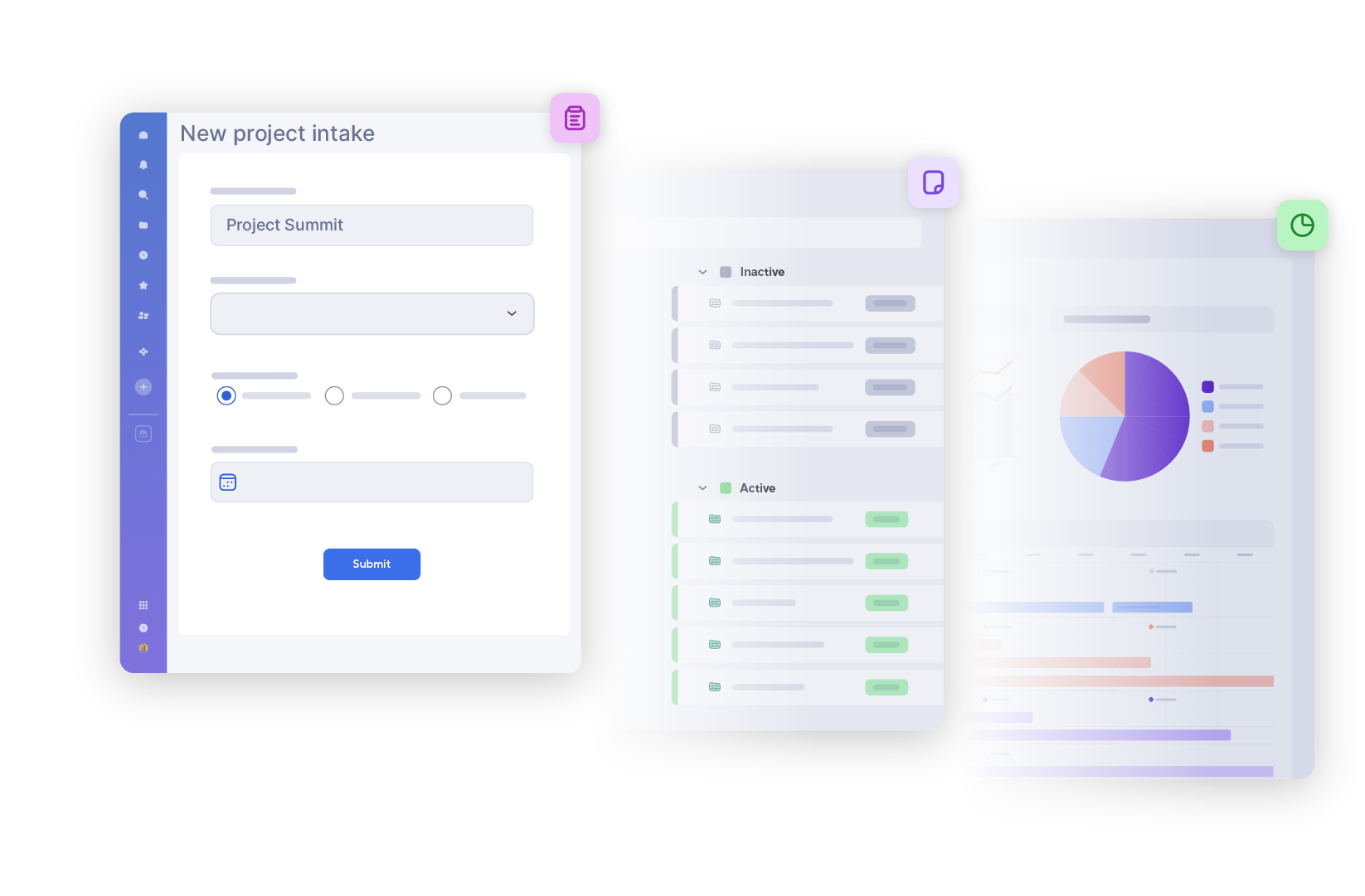
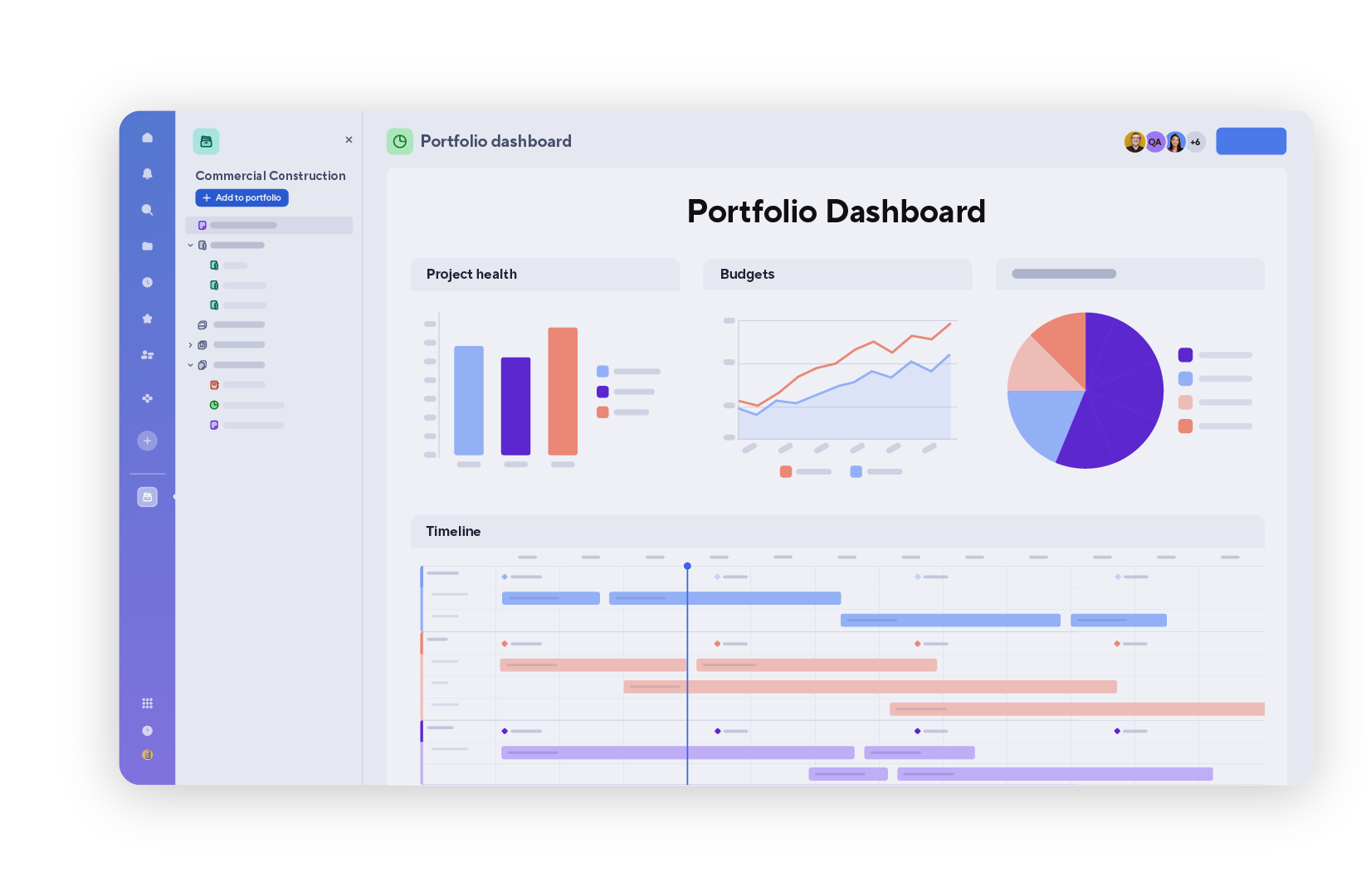
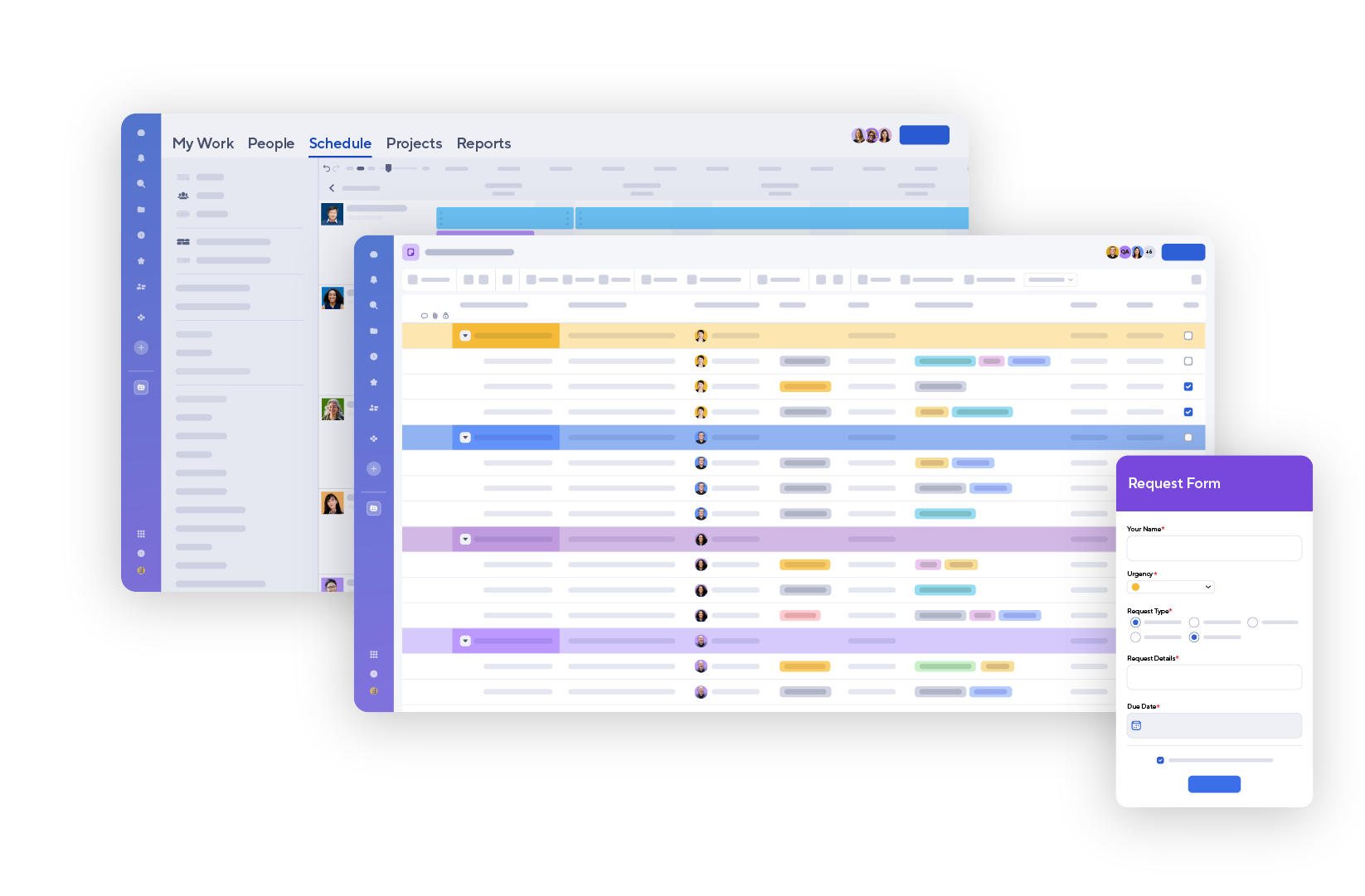
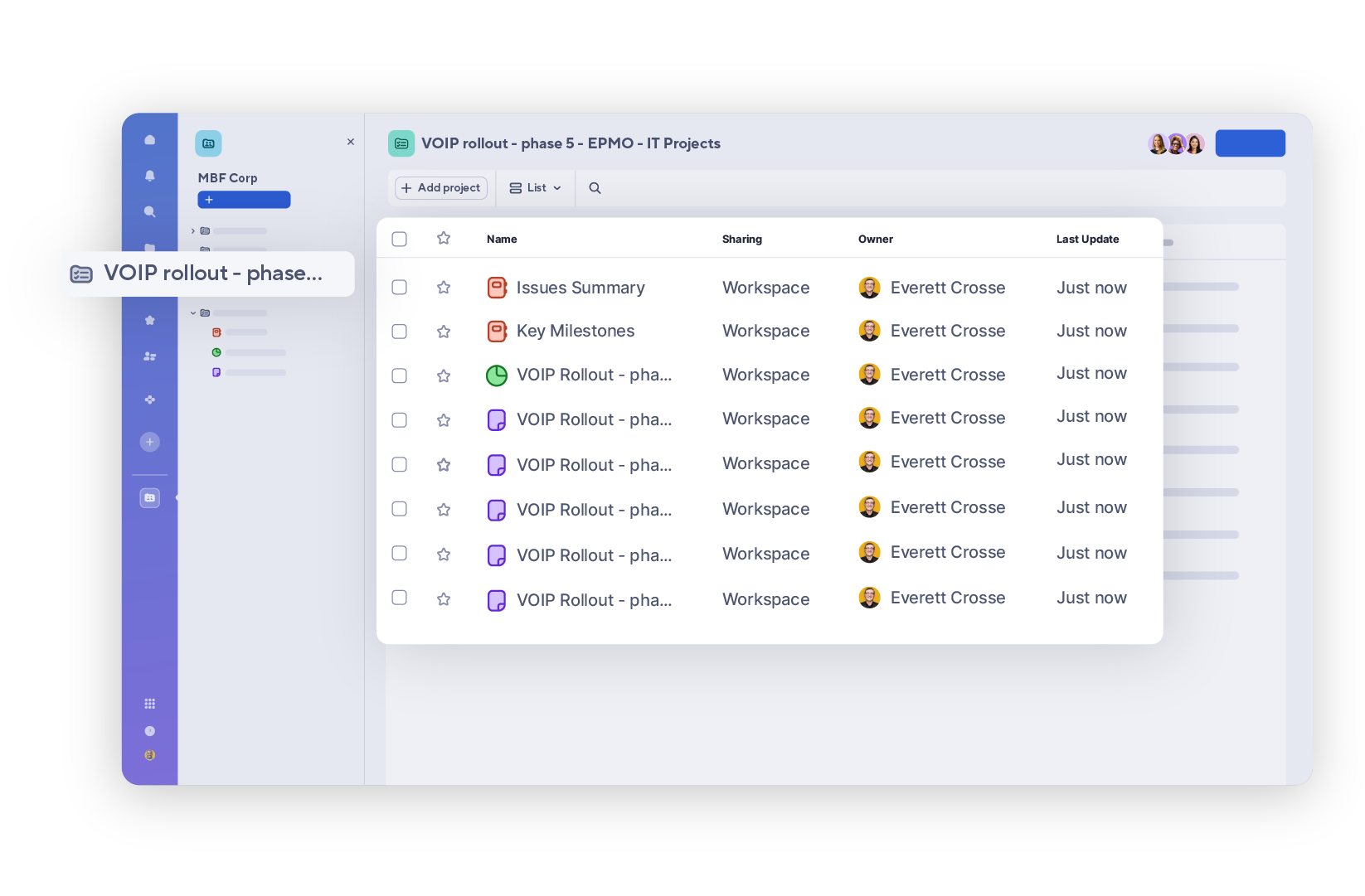
Portfolios gives teams a standardized way to manage related projects in one central view, with the visibility to monitor project health and make prioritization decisions with certainty.
Control Center gives organizations the structure and flexibility to scale enterprise-wide programs confidently, adapt to changing priorities, and drive measurable ROI across initiatives.
Multi-tier portfolio structure
Change management at scale
Custom portfolio reporting
Looking at other plans? Control Center is also available as a premium add-on.
Discover Smartsheet Portfolios, a simple, intuitive portfolio management solution designed to help teams standardize their projects and gain visibility across their work from one consolidated place.
Speed to execution
Turn requests into actionable project plans in minutes and manage related work from one central place.
Consistent delivery
Start projects with a standard structure and set of deliverables to skip repetitive setup and minimize errors.
End-to-end visibility
Surface key metrics across projects to spot risks, prioritize the right work, and report out to stakeholders in real-time.
Standardization and visibility, built in
Portfolios offers a simple, intuitive way to standardize, create, and manage projects, all in one place – from intake to reporting.
Out of the box
Get up and running fast with a ready-made project list, intake form and dashboard to manage and track requests from day one.
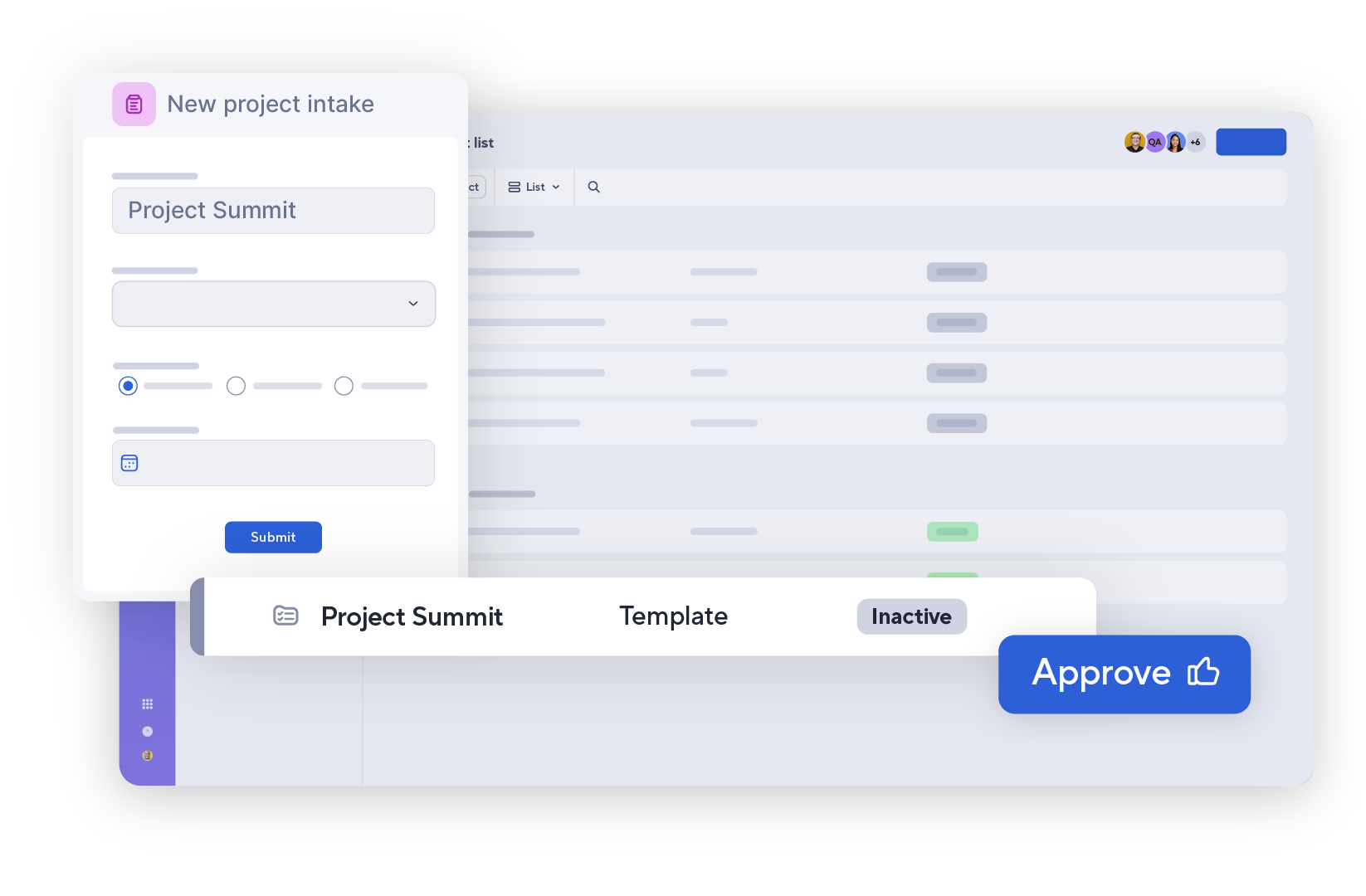
Demand intake
Centralize and manage the approval process for all new project requests.
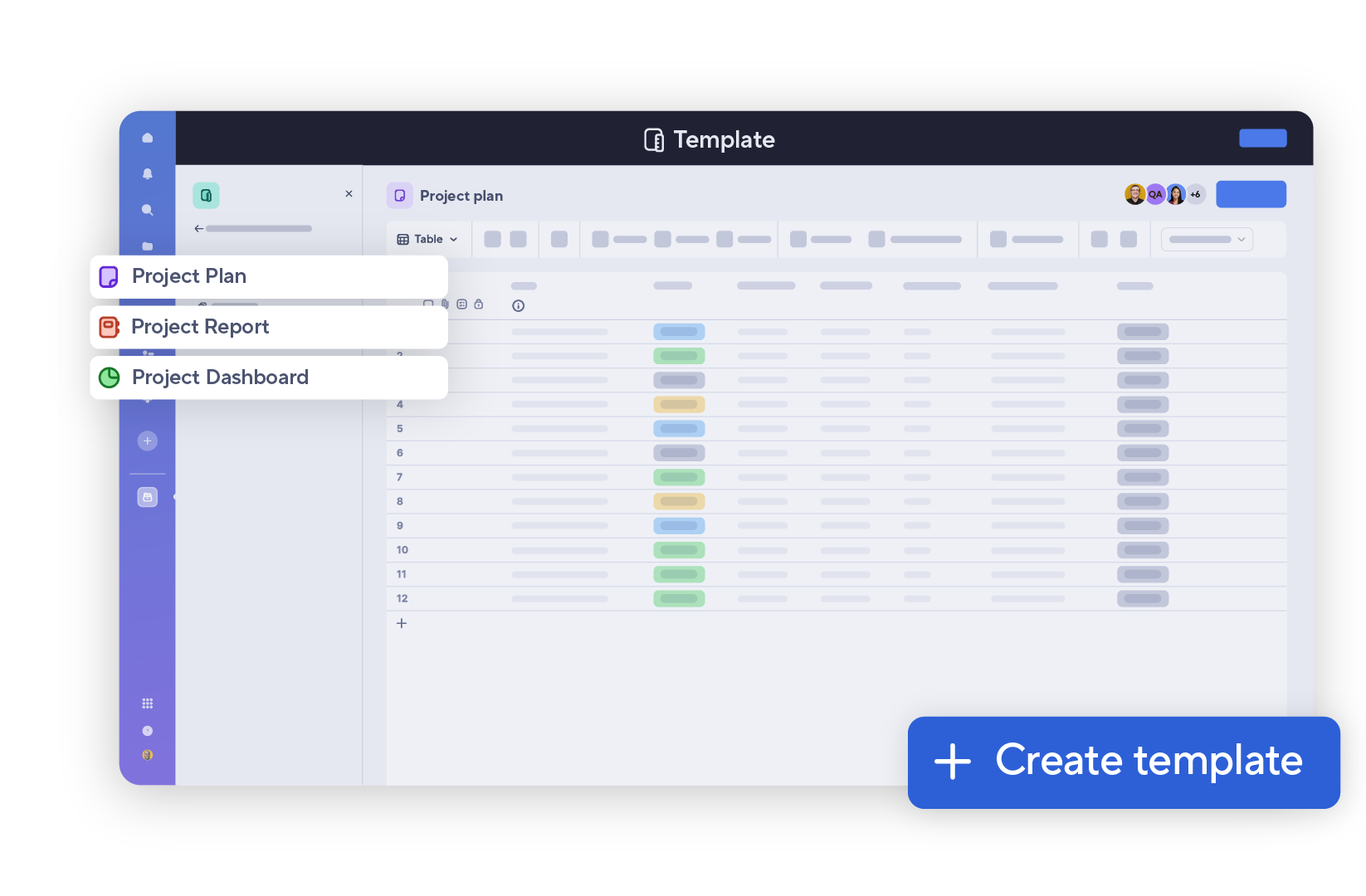
Standardized templates
Drive consistency in execution and reporting with templates that automatically replicate workflows and project plans.
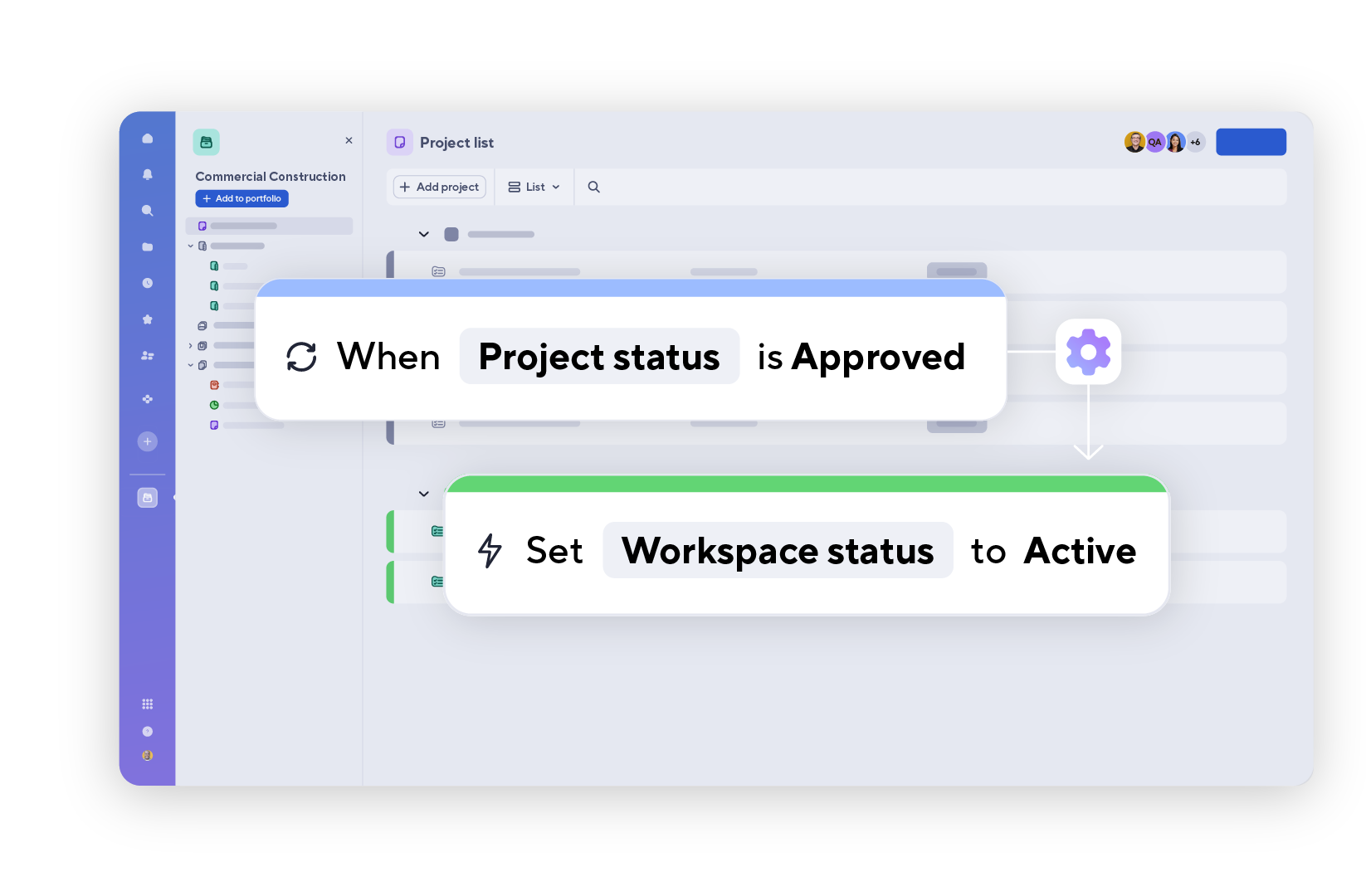
Automated provisioning
Create approved projects from a central console.
Project rollup
Roll up metrics across projects to track progress, monitor health, and keep key stakeholders informed.
This portfolio has been a game changer so far for us. I just put it in the request, and it auto-creates the different workspaces for us. No one has to worry about going in and adding anything. They just click on their project, and they can get to work.
EAP Customer
Control Center
Introduction to Control Center
Discover Smartsheet Control Center, a powerful project and portfolio management solution designed to scale operations and improve organizational visibility.
Govern work at scale
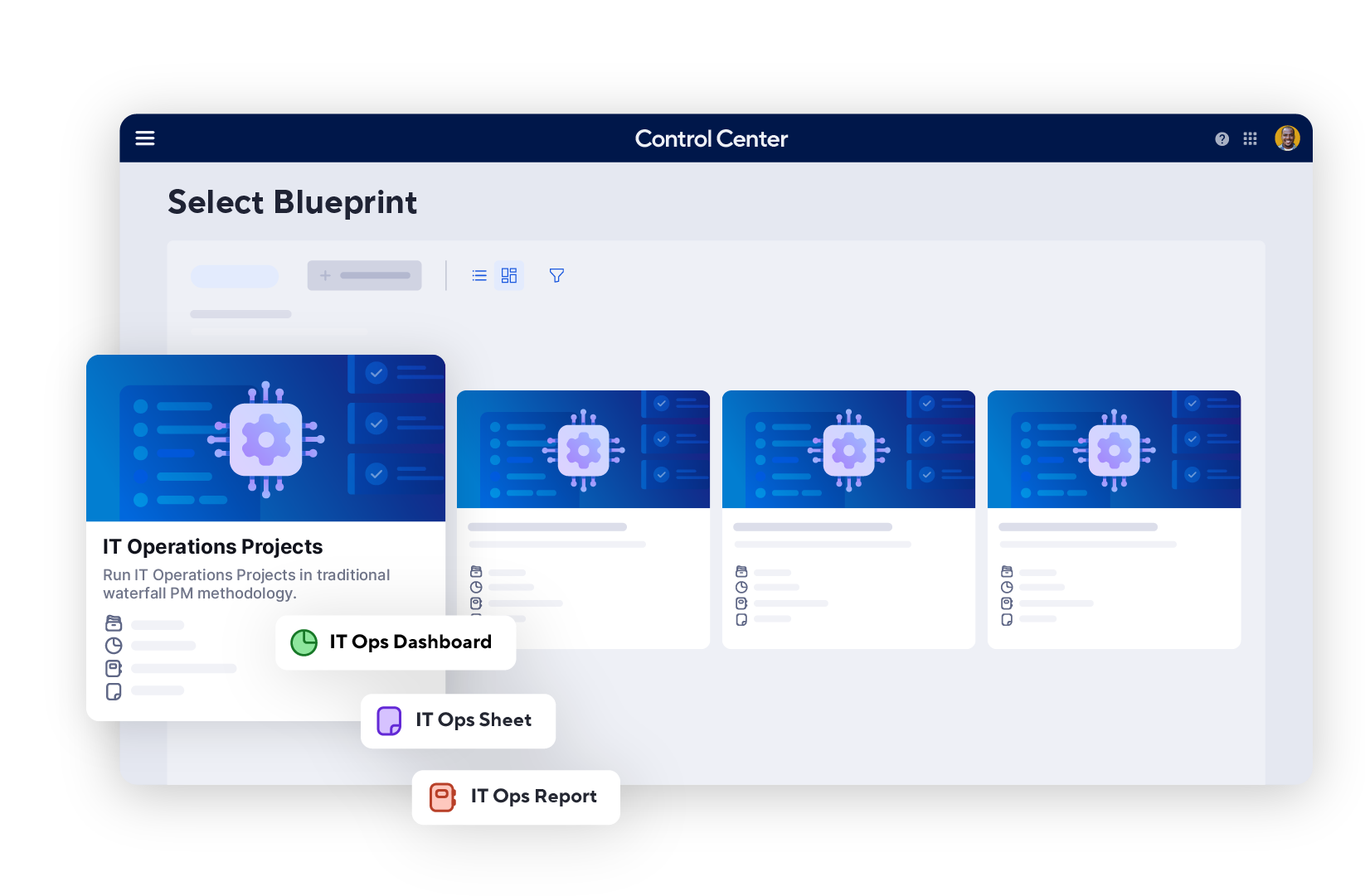
Blueprints with built-in best practices and automated workflows help teams drive consistency in execution and reporting.
Keep work in sync
Manage project creation, change management and archiving to help teams deliver projects that align to company goals and objectives.
Make data-driven decisions
Aggregate portfolio-level visibility to help teams make confident decisions on budget, risk and resources.
Operational control built to scale
Control Center delivers project consistency and visibility at scale by automating project creation, managing change, and aggregating portfolio reporting.
Demand intake
Centralize and manage the approval process for all new project requests.
Standardized blueprints
Drive consistency in execution and reporting with blueprints that automatically replicate workflows and project plans.
Automated provisioning
Create approved projects from a central console.
Change management
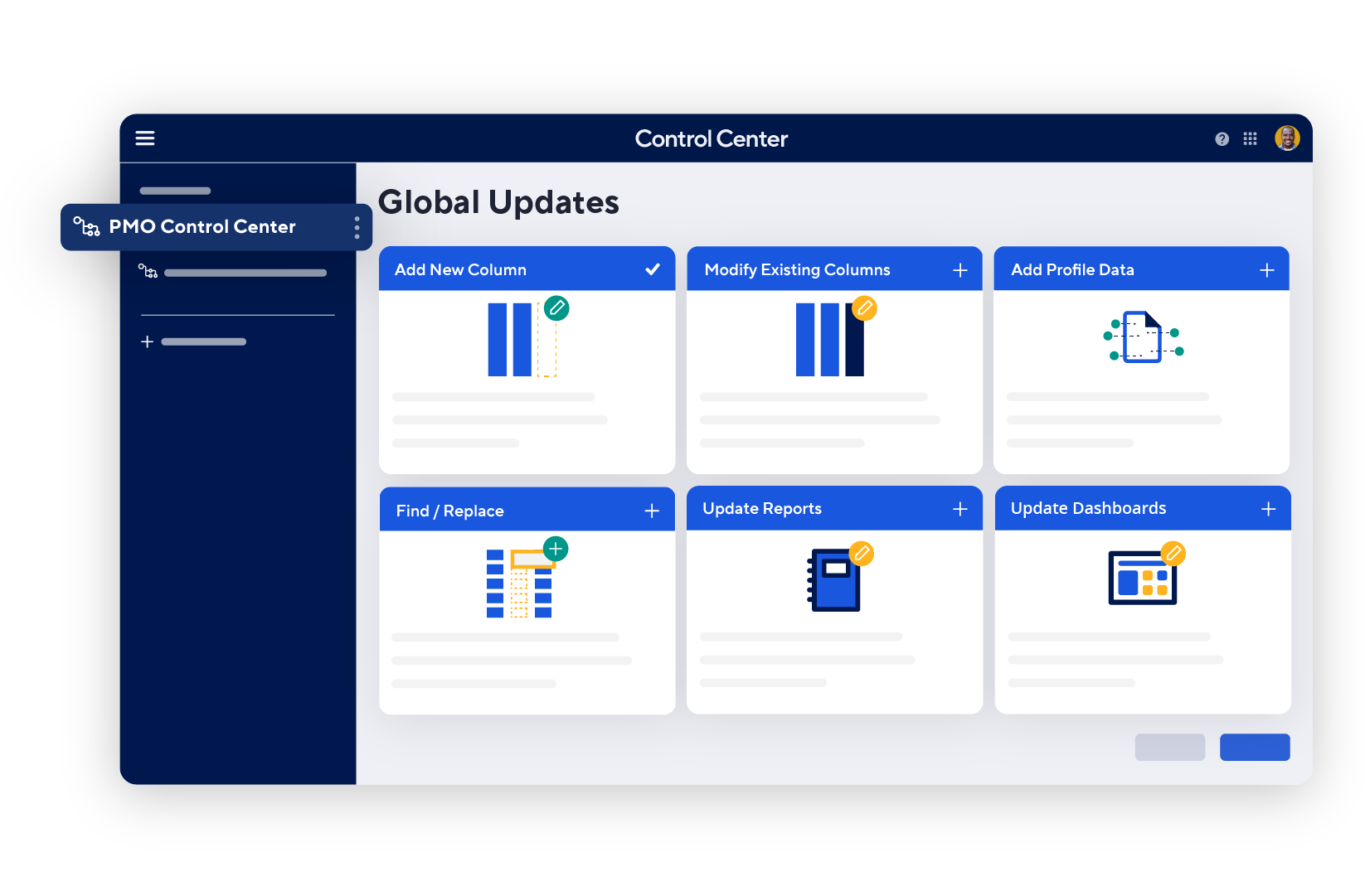
Make changes at the source and automatically push updates across new and existing projects.
Resource management
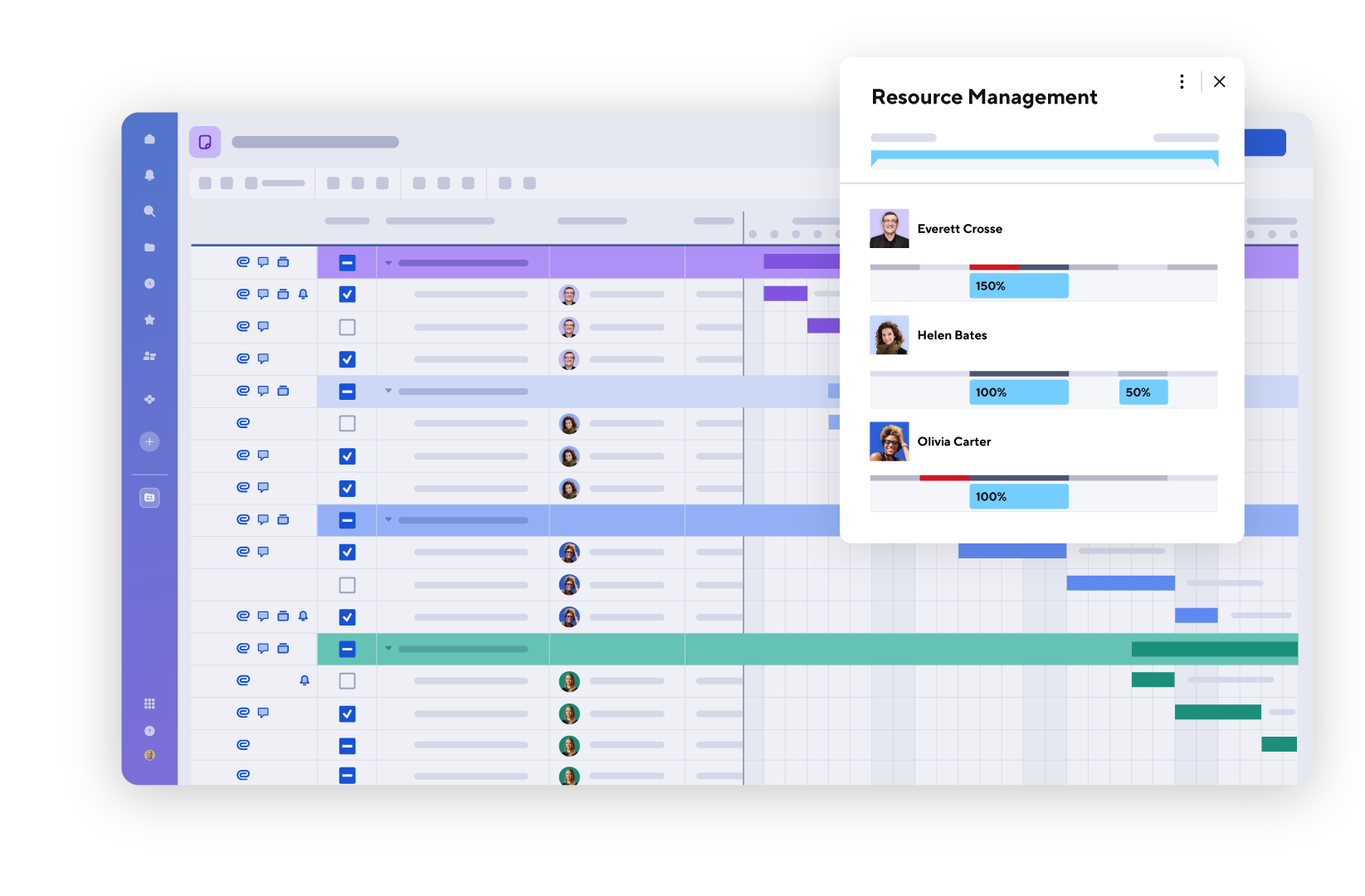
Connect resource plans to build the right team for the job and forecast hiring needs.
Advanced portfolio reporting
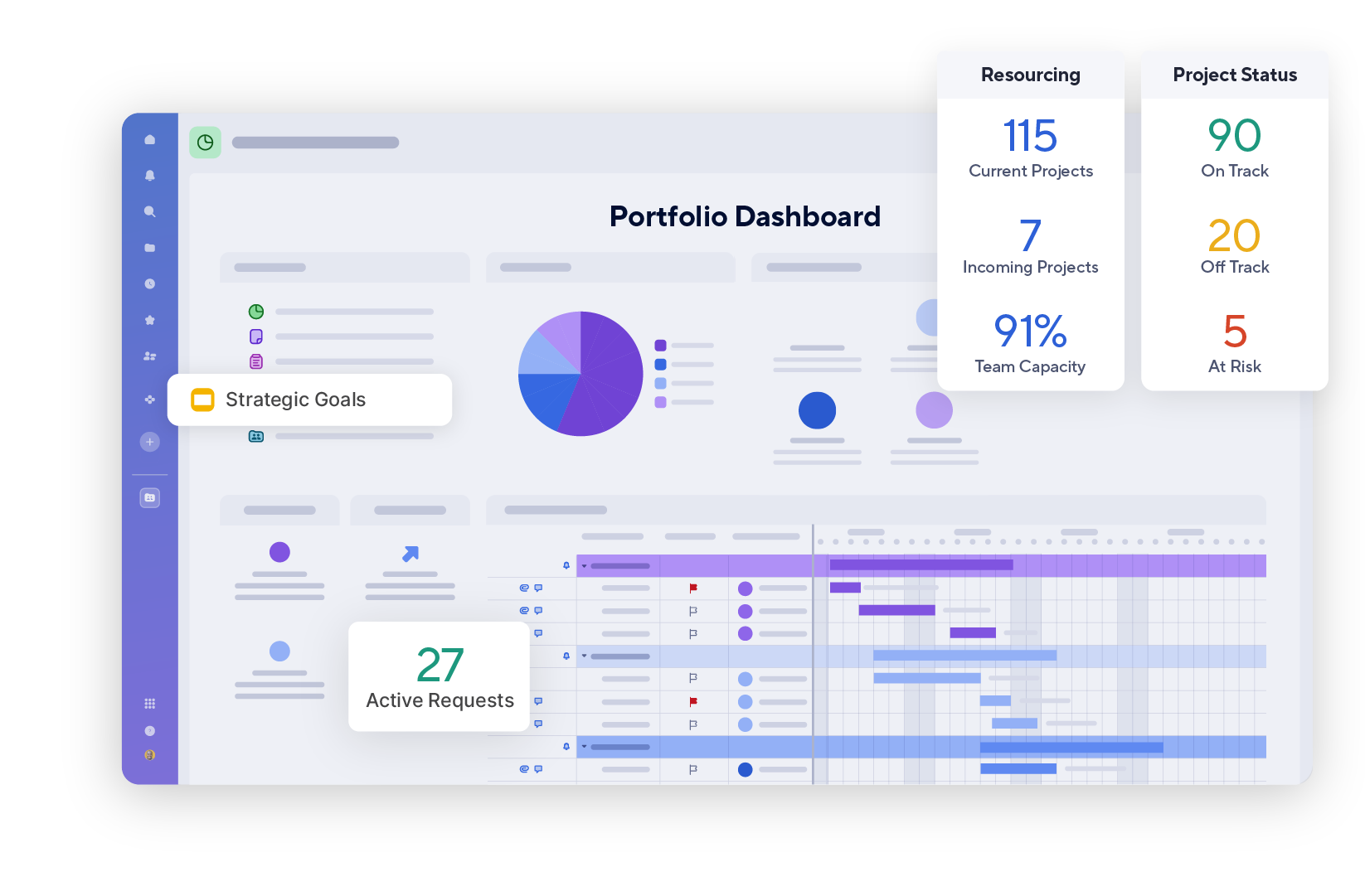
Define and report on custom project attributes to stay aligned with business goals and maximize results.
Project archiving
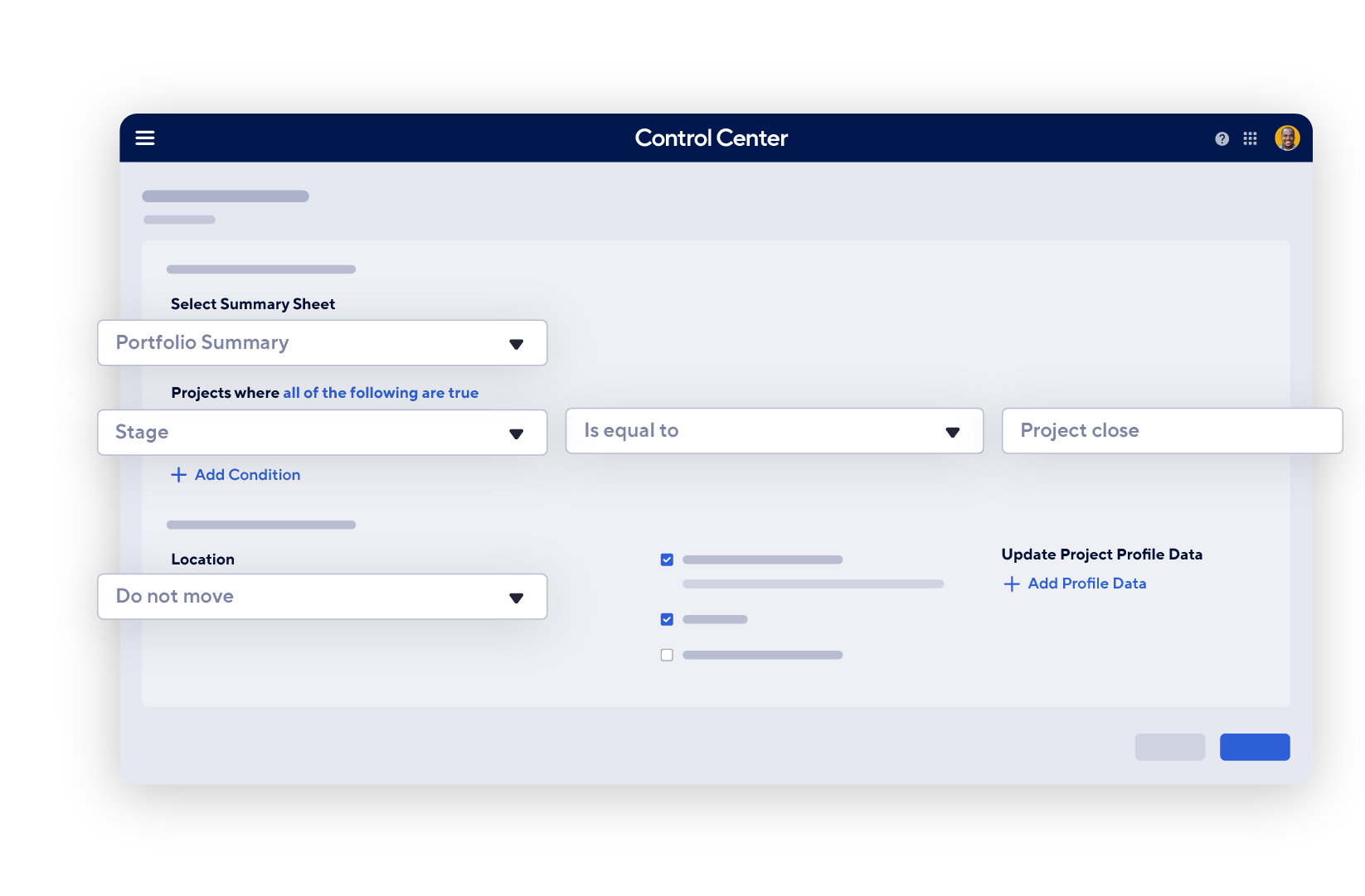
Freeze, store, and report on historical projects for trend analysis and compliance.
Customer stories
Real stories, real impact
We create around a dozen new projects each week, and Control Center lets us do that using a standard template. That alone saves us about two hours per week.
Keeping all teams aligned and aware of deadlines is essential since every task depends on another. Smartsheet brings everything together in one place, giving us real-time visibility into project progress and ensuring nothing falls through the cracks.
We use Control Center for every single project. We have more than 200 active projects, and each one has a toolkit. Power Automate helps us customize the experience within Smartsheet automatically, based on the team you're on.
Portfolio Management features are available across the Smartsheet platform
Portfolios is included in Enterprise plans with no additional setup or license required. Control Center is included with Advanced Work Management or as a premium add-on. Compare plans to find out what's available at your tier.
Control Center is built for large-scale enterprise program automation — it's powerful, but complex. Portfolios is recommended for teams managing up to 100 projects, who need cross-project visibility without the heavy setup. If you're managing a set of related projects and need a simple, intuitive way to standardize and track connected work, Portfolios is the right starting point.
Portfolios is well-suited for teams running a small or informal PMO, tracking departmental projects, or managing recurring workflows like new launches, employee onboarding, or IT ticketing - anywhere initiatives need visibility and standardization without heavy configuration.
Here's an example of an IT ticketing Portfolio: an IT team creates templates for project types like hardware provisioning or incident escalations complete with checklists, RACI logs, and ownership assignments. Each new request launches from the appropriate template, with portfolio-level reporting on ticket status and resolution time.
Control Center is built for organizations running complex programs that require governance, change management, and multi-tier visibility. It's the right fit for enterprise-wide programs where scale and standardization requirements go beyond what manual processes can support, such as M&A integration, regulatory compliance rollouts, and capital projects.
Here's an example of a Control Center program: a retail organization managing hundreds of locations standardizes operational processes across every site. Custom project attributes like region, location type, and compliance status are defined once and automatically inherited across every project. When a policy changes, updates made to the blueprint are pushed across active projects at once. Advanced portfolio reporting gives leadership the visibility to track performance by region, identify underperforming locations, and make confident decisions that drive ROI across the entire portfolio.
A standard project management tool helps you execute individual projects. A portfolio gives you consistency and visibility across related projects - tracking progress, surfacing priorities, managing resources, and keeping work aligned to broader goals. It’s the difference between managing one project well and managing the right projects, the right way, across your team or organization.
Not every team requires a complex, IT-intensive solution. Portfolios is designed for teams that need visibility and standardization across projects without months of configuration, making it ideal for small PMOs, departmental teams, and growing organizations.
Smartsheet Control Center provides centralized governance across large programs by enforcing standardized project structures, workflows, and reporting templates at the portfolio level. When regulatory requirements change or processes need to be updated, changes propagate consistently across all active projects simultaneously. This eliminates manual updates across siloed trackers and ensures auditability, process consistency, and compliance visibility without administrative overhead.
Because Portfolios is part of the Smartsheet platform, AI is already built in. Leverage the structure and consistency Portfolios establishes to create a reliable data foundation that AI can work from, giving your team the insights they need to make better decisions, faster.
With our MCP Server and direct integrations with leading AI assistants like Claude, you can query your project list or portfolio reports to surface instant insights. Ask about overdue tasks, risks, or health across projects and get the answers you need to make more informed decisions. Future: Add AI-powered columns directly to your template sheets in Portfolios using Smart Columns, to easily capture the information that matters to your organization and automate manual data processing for your teams.