Article
Instant Smartsheet Insights, Right in Your Pocket with Smart Assist on Mobile
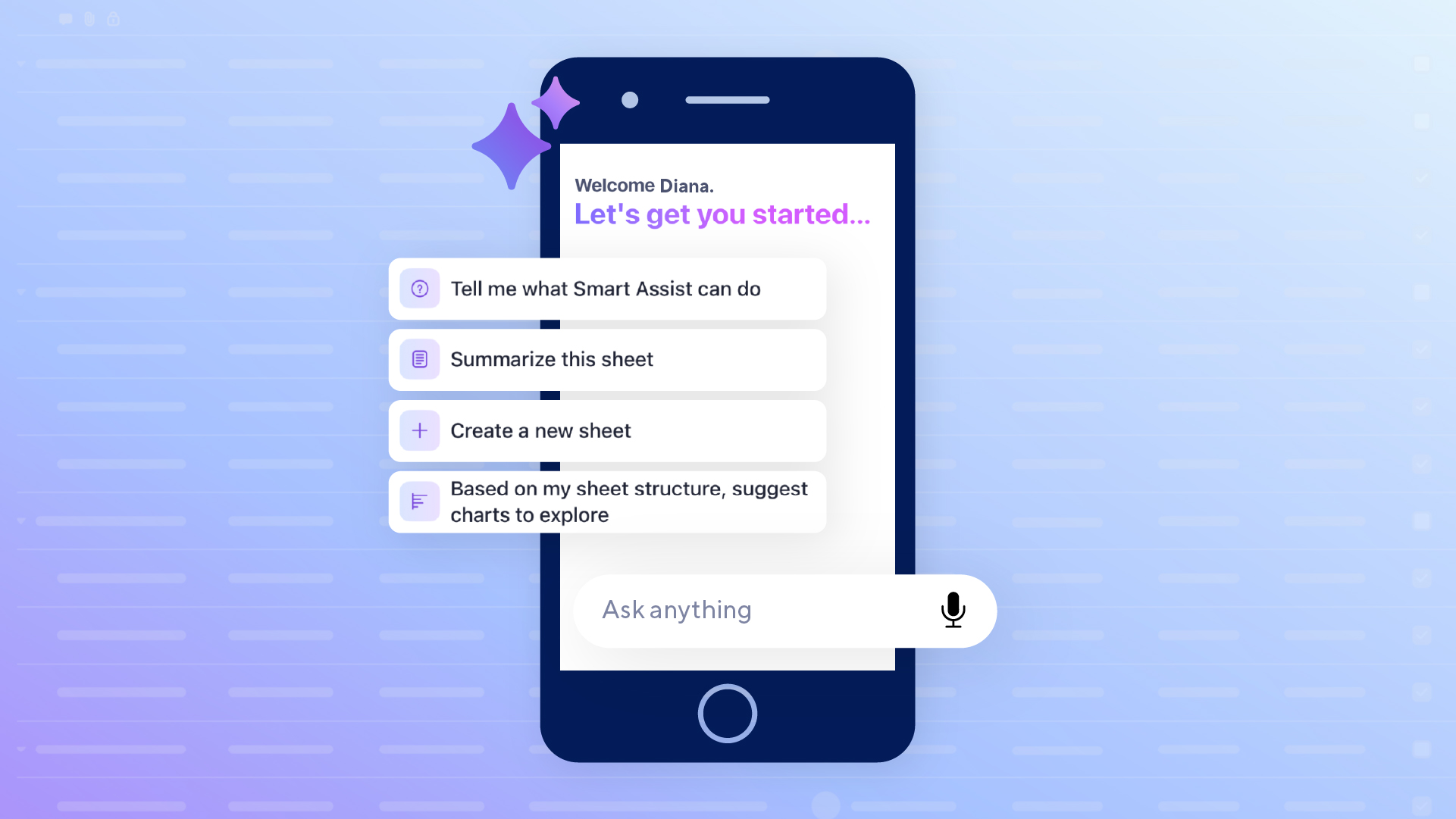
You're between meetings. Your phone buzzes with a notification about a project sheet. If you’re not near your computer, the Smartsheet mobile app lets you look at it and respond right away, but if you’re trying to dig deeper into your data and mentally piece together what's on track and what needs your attention, that can be harder to do from a small screen.
Most people check Smartsheet on mobile in short bursts, often around three minutes, just to see if anything needs their eyes. On the web, when something does need your attention, you can dig into the data yourself or ask Smart Assist, your AI companion in Smartsheet, to get answers in seconds. Now, that same instant insight is coming to mobile.
Smart Assist comes to mobile
Smart Assist already helps you work faster in Smartsheet on the web. Now, Smart Assist is also available right in the mobile app, so you can get answers and take action without leaving your phone.
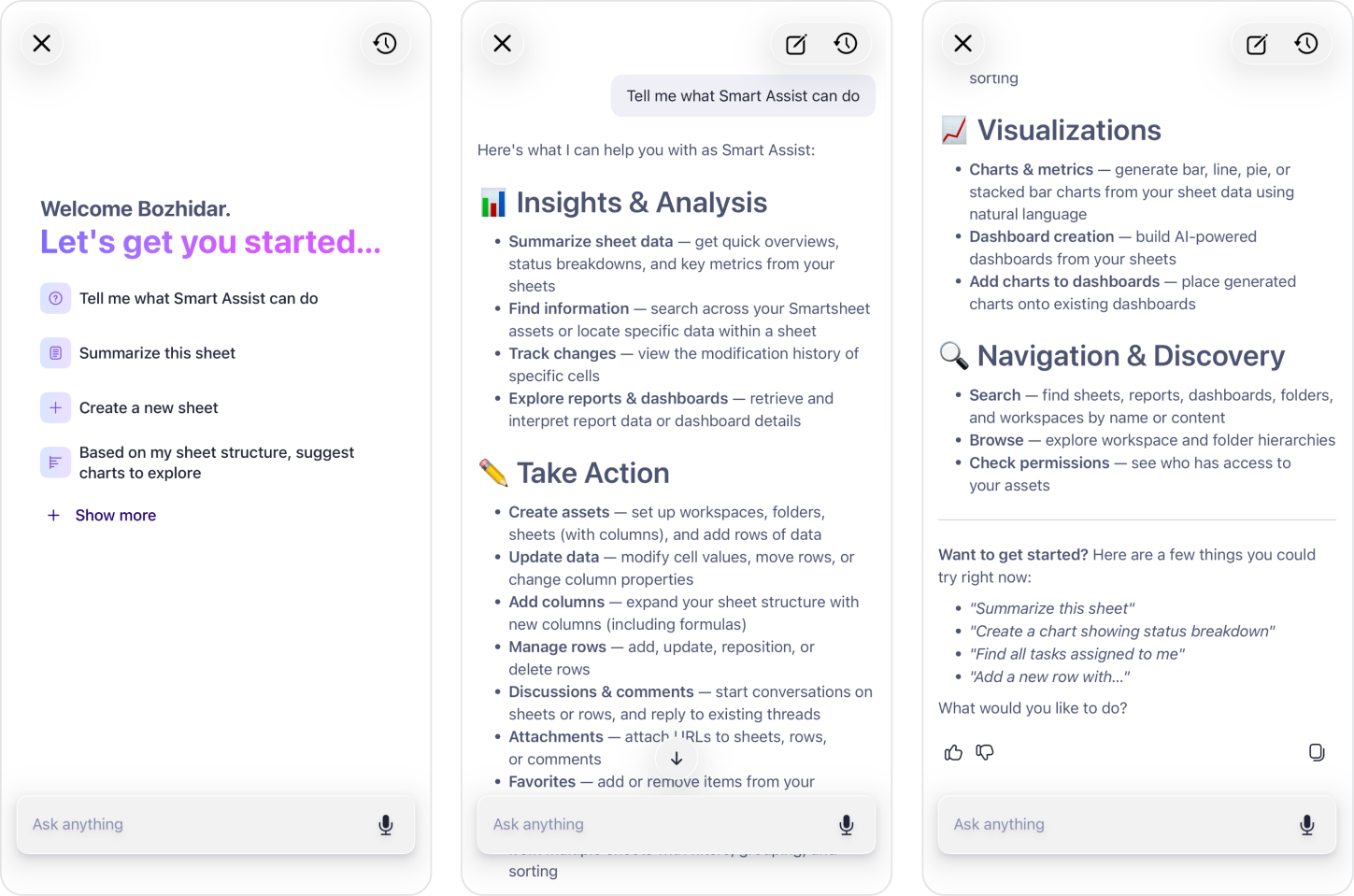
In this release, Smart Assist on Mobile lives inside your sheets. Look for the AI sparkle (✨) icon in the bottom-right corner of your screen. Tap it, and a conversational panel slides up, ready to summarize status, surface what matters to you, and help you take action, all without scrolling through a single row.
What it means for you
See project health in seconds: Ask Smart Assist on Mobile to summarize your sheet, and it instantly breaks things down into what you actually care about: project status, risk, any notable activity you should know about, and more.
Get straight to what's relevant to you: Smart Assist understands who you are in the context of your sheet. Ask "What do I need to do today?" or "Show me tasks assigned to me," and it filters the noise so you see only what's actually yours to handle.
See your data, not just numbers: Ask for a breakdown by status, owner, or due date, and Smart Assist can surface it on the spot, so you can see where things stand without digging through rows yourself.
Jump into action from the same panel: Beyond insights, Smart Assist can help you make updates, like add a column, flag overdue items, kick off a discussion with your team, or even create a new sheet — just by asking, without leaving the panel or hunting through menus one-handed.
Smart suggestions that know your sheet: When you open the panel, you'll see a mix of go-to actions (like "Summarize this sheet") alongside suggestions generated specifically from your sheet's content, such as a prompt to add a "% Complete" column if your project sheet doesn't have one yet.
Share updates without switching apps: Got a summary worth passing along? Smart Assist can help you draft a quick update for your team that you can easily copy and paste, so you're not toggling between Smartsheet and your messaging app just to keep people in the loop.
Coming soon — go hands-free with Conversational Mode: For the moments when typing isn't convenient, a fully hands-free voice mode is on the way. Speak your question, hear the answer, and even interrupt mid-response to ask a follow-up, just like a natural conversation.
Built for How You Actually Work
Most AI tools are built for the desktop first, then squeezed onto a smaller screen. Smart Assist on Mobile started from the opposite direction: what does someone actually need when they're checking a sheet one-handed, mid-commute, with thirty seconds to spare? That constraint shaped every decision, from the single sparkle icon that replaces menu-hunting, to responses that respect your existing sheet permissions, so you only ever see what you're already authorized to see.
Getting started
- Open any sheet in the Smartsheet mobile app.
- Tap the sparkle (✨) icon floating in the bottom right corner of your screen.
- Ask a question, tap a suggested prompt, or just say "Summarize this sheet."
- Take it from there — dig into overdue items, add a column, or share an update, all without leaving the panel.
Smart Assist is live now in the Smartsheet mobile app. Try it today or learn more.