Article
Work smarter and move faster with Smart Assist, now generally available

June 3, 2026
We’re introducing a whole new way to work in Smartsheet with Smart Assist, your AI companion across Smartsheet.
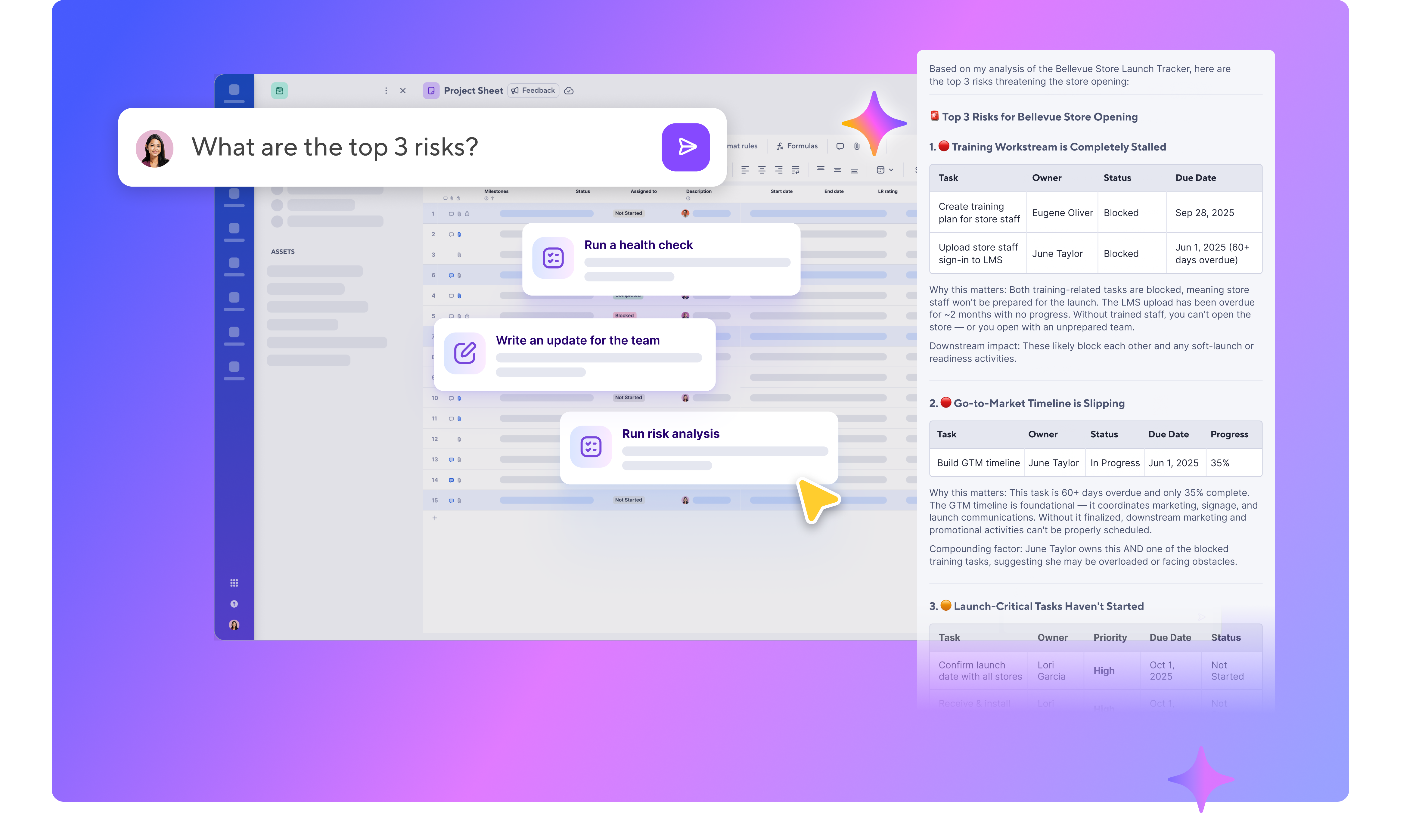
Smart Assist understands your data and your context, so you can ask it anything — surface what's at risk, draft a stakeholder update, clean up your data, or make changes across your work — and get results in seconds.
How to get started with Smart Assist:
- Open a sheet in table, board, or timeline view
- In the top right corner, click the AI sparkle button to open the chat interface.
Click one of the suggested prompts, or type in your own question.
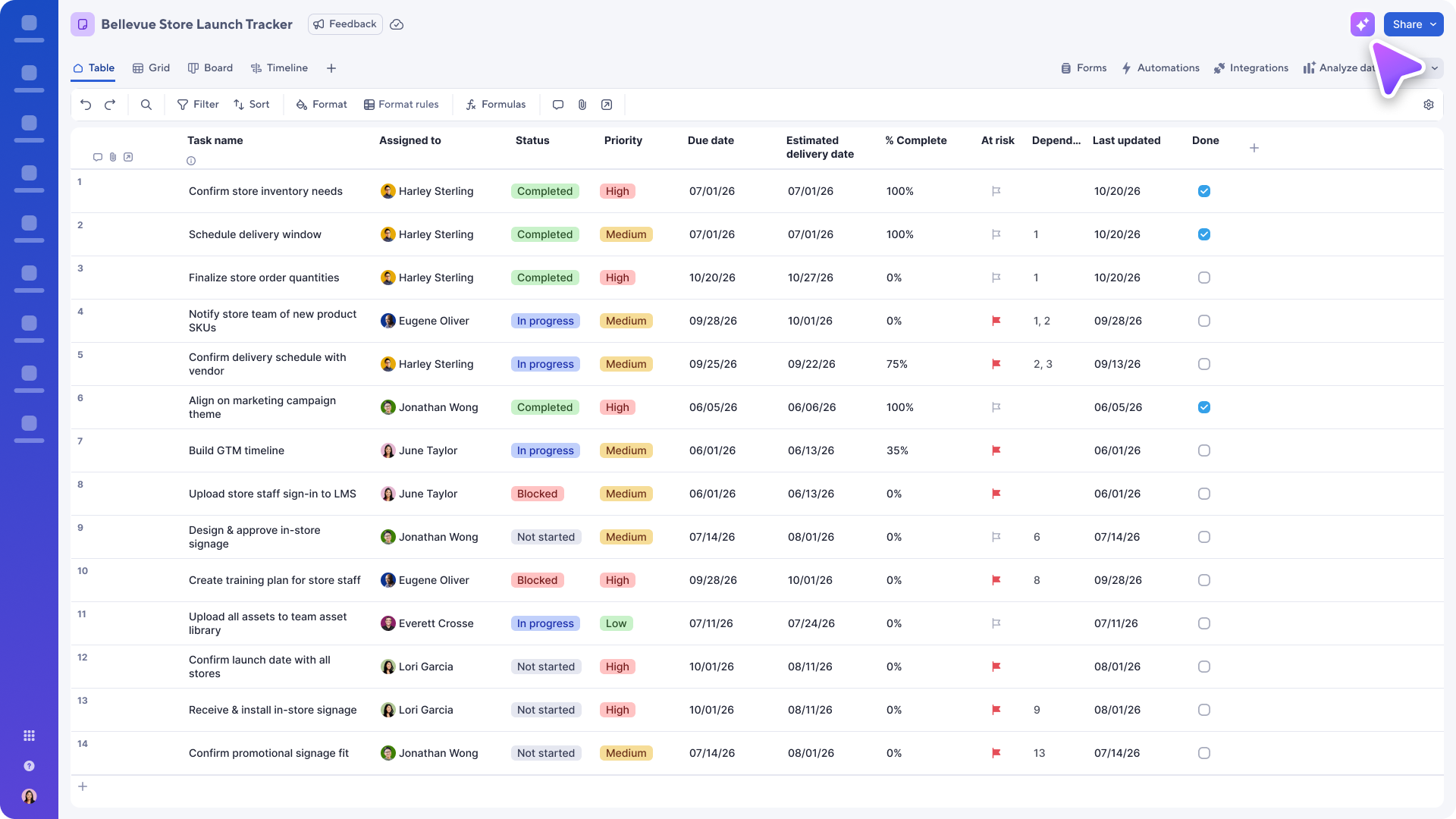
What can you do with Smart Assist?
- Analyze & Understand Your Data
- Summarize sheets — Get quick overviews, key metrics, and status breakdowns
- Filter & find — Locate specific rows, search across your Smartsheet assets, or drill into details
- Track changes — View cell history and understand how data has evolved
- Executive analysis — Generate leadership-ready insights with actionable recommendations
- Take Action on Your Sheets
- Add or update rows — Create new entries or modify existing data
- Add or modify columns — Adjust your sheet structure as needs change
- Create assets — Set up new workspaces, folders, and sheets with columns and rows; Add sample data
- Manage comments & discussions — Start conversations, reply to threads, or clean up old discussions
- Attach links — Add URLs or cloud file links to sheets, rows, or comments
- Organize & Navigate
- Browse workspaces & folders — Explore your Smartsheet hierarchy
- Search — Find sheets, reports, dashboards, and more by name or content
- Manage favorites — Add or remove items from your favorites list
- Collaboration & Sharing
- View sharing details — See who has access to your sheets, reports, or workspaces
- Reports & Dashboards
- View reports — Pull data from cross-sheet reports
- Explore dashboards — See widget details and layout information
- To instantly generate dashboards and create and edit charts using AI, just ask for what you need within the new dashboard builder
Environments availability: Commercial US, Commercial EU, Commercial AU
Plan availability: Pro, Business, Enterprise, Advanced Work Management
Subscription Model Availability: Legacy Collaborator Model and User Model
Note: For customers who would like to turn off Smart Assist or any other AI features within Smartsheet for their users, new on/off toggles are available in the admin center.