Article
Vertical grid lines setting in table view, now generally available!

March 25, 2026
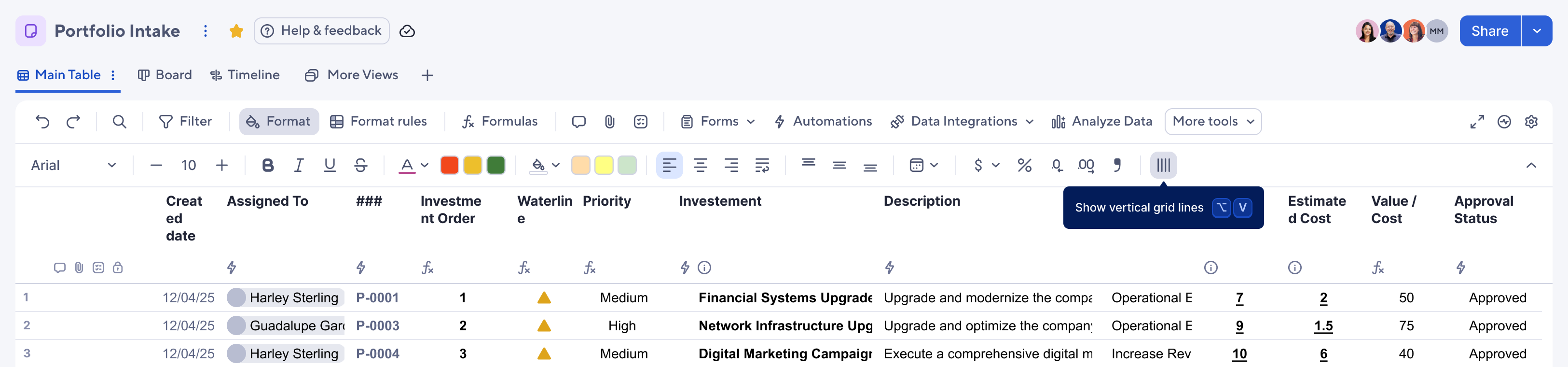
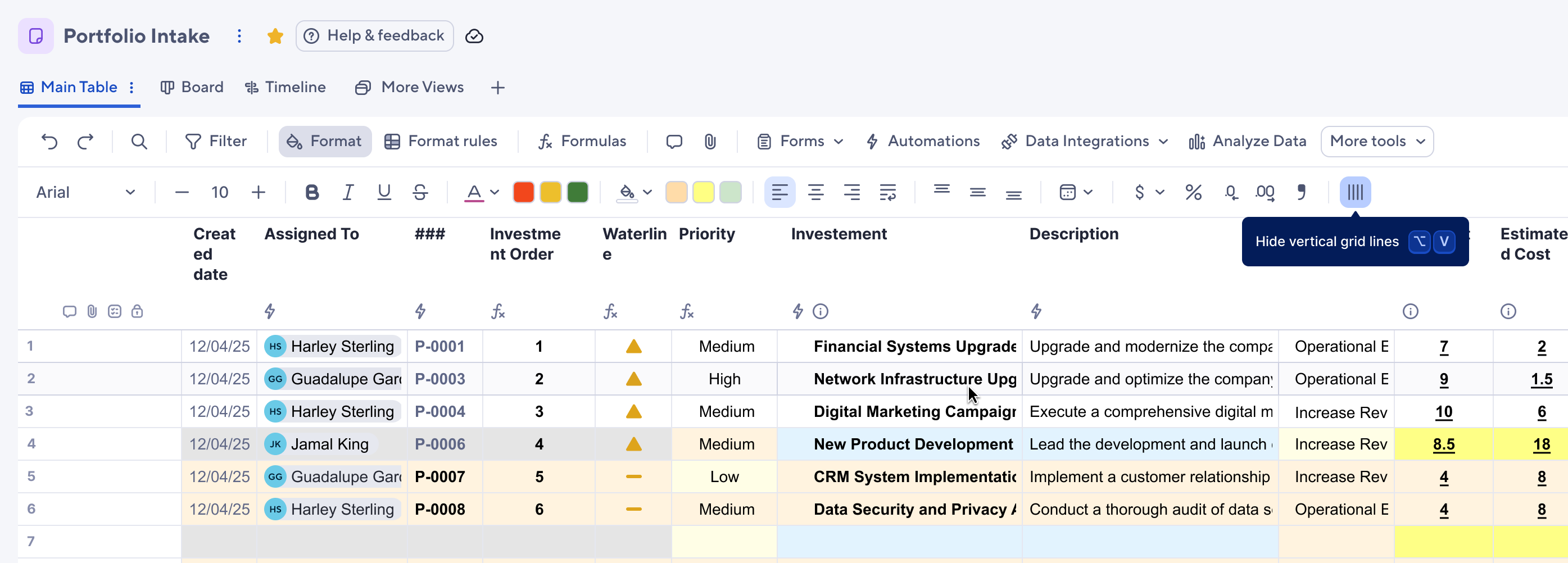
You can now toggle vertical grid lines on or off in table view. To find the setting:
- Viewers & Commenters can navigate to the toggle between the Requests and Forms icons in the top toolbar
- Editors and above need to first select the Format icon in the top toolbar and then select the vertical grid lines toggle (far right)
- Or use the shortcut, ALT + V (Windows) or ⌥ + V (Mac)
Environments availability: Commercial US, Commercial EU, Commercial AU
Plan availability: Pro, Business, Enterprise, Advanced Work Management
Subscription Model Availability: legacy user model, user model