Article
Plan, adapt, and commit with confidence: what’s new in Smartsheet for PMOs
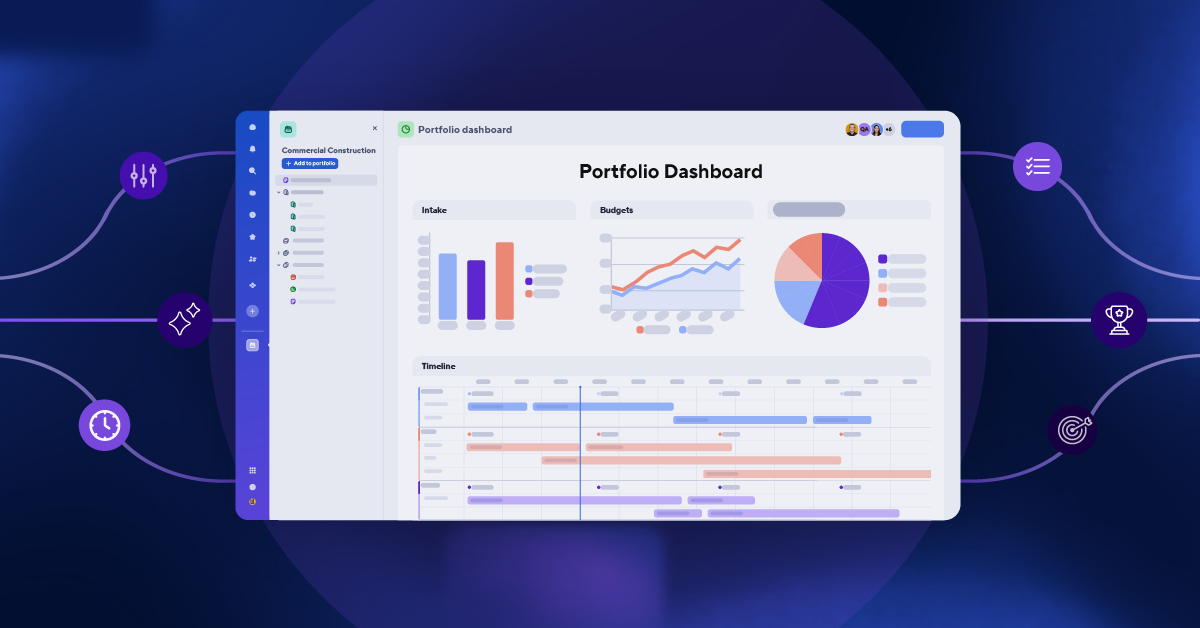
Faster, together: Smartsheet is the Execution Hub for the PMO
Teams are moving faster than ever before, but the PMO's week doesn't feel any more under control. Every team now runs at its own top speed, with its own AI, from its own reading of the plan. The handoffs between them didn't get faster, and the gaps across their work grew wider. AI made everyone faster. It didn't make everyone faster together.
Smartsheet calls this execution drift: the distance between what the organization planned and what is actually happening. For a PMO, it means the projects in flight may not be delivering what the organization planned, and the gap keeps growing until results are missed. The data points in the same direction: in a recent survey commissioned by Smartsheet, only 4% of executives said the original strategic intent is fully recognizable by the time work is assigned. Executives also estimate that, on average, 35% of decisions on major initiatives are made on out-of-date information, and 48% of major initiatives run over timeline.¹
Ask yourself three questions. When leadership asks how the portfolio is doing, can the PMO answer from a live view, without days of assembling status? When strategy shifts, does the change reach every active project, without the PMO updating them one at a time? And before leadership commits to a date, can the PMO test whether there is capacity to support it?
For most teams, the honest answer to all three is no.
The systems aren't the problem. The space between them is. Each system tracks its own work, but the handoffs between projects, teams, and systems are tracked nowhere. That work runs on email, spreadsheets, and meetings, with no owner and no audit trail. For a PMO, that is where portfolio status goes stale: plans, budgets, and resources sit in different systems, and the portfolio view is whatever someone painstakingly stitches together by hand. Add an agent to each of those systems, and although each one is smart inside its lane, the work between them still has no place to land. More AI produces more work, but it doesn't give the work a home.
That is the problem Smartsheet is built to solve, as the Execution Hub for enterprise work.
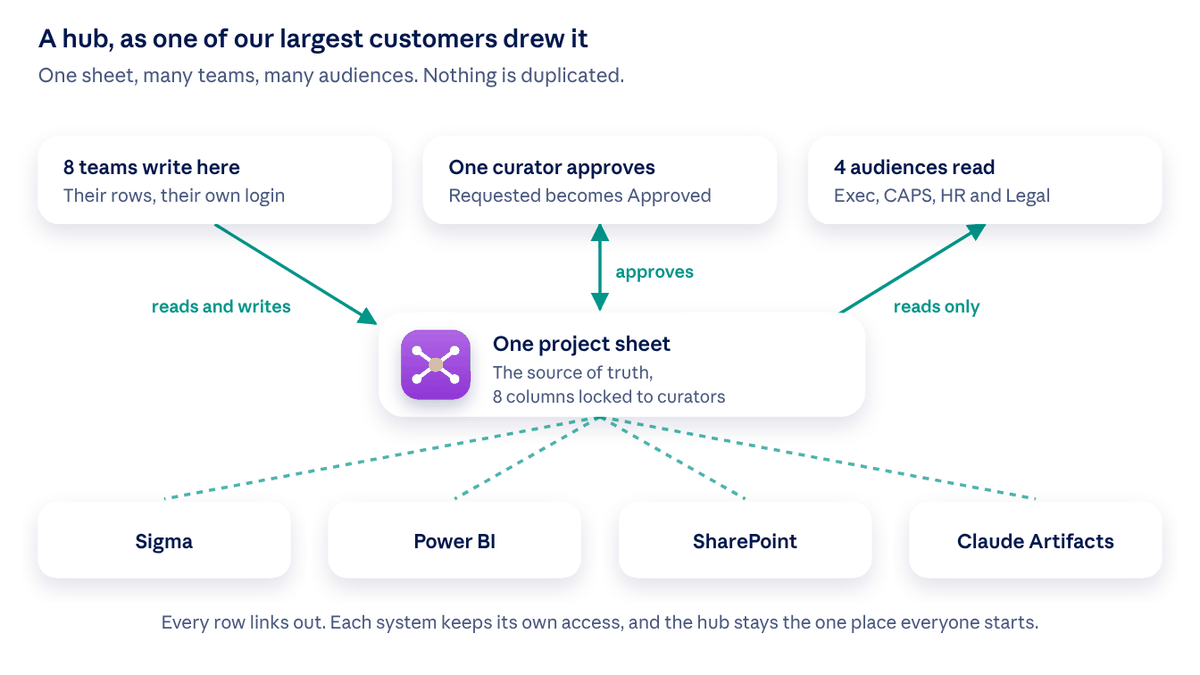
Systems of record stay exactly where they are. The hub is where the work that spans them comes together, with an owner, an audit trail, and a home. The people doing the work and the people funding it look at the same picture, and the AI connected to it acts on the same truth. For a PMO, that means one place to run the work and manage resources, dependencies, and risks, with each PM’s status alongside an agentic assessment of risks and dependencies. One hub. One job. End execution drift.
Here is how the latest Smartsheet releases close the gap, starting with reporting.
Portfolio health you can see before risks become crises
The problem: Status is stitched together from many sheets and tools, then manually rebuilt as a deck for every review. The PMO spends the week assembling the picture instead of driving impactful work.
Available now:
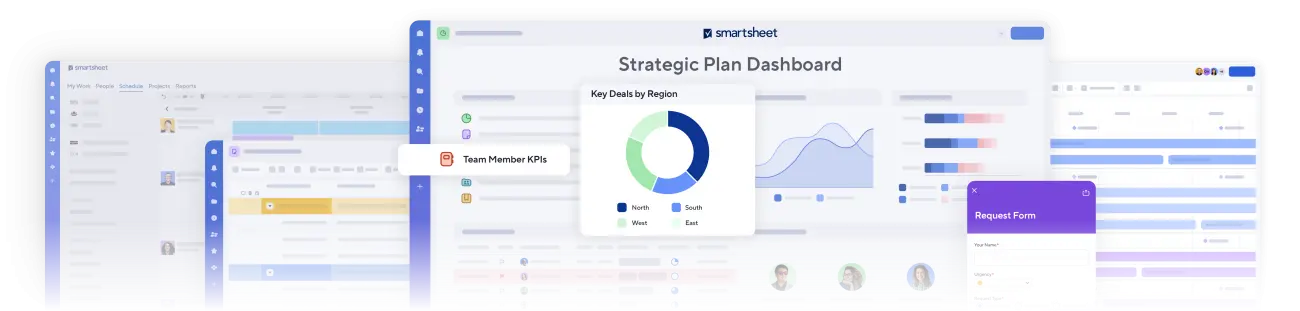
- Portfolio Summary and linked summary fields (available now in Advanced Portfolios) roll the status, budget, and risk measures the PMO defines into one live portfolio view that feeds its dashboards. Reporting is ready when leadership asks, so the PMO's week goes to setting priorities and steering work, not manually assembling status.
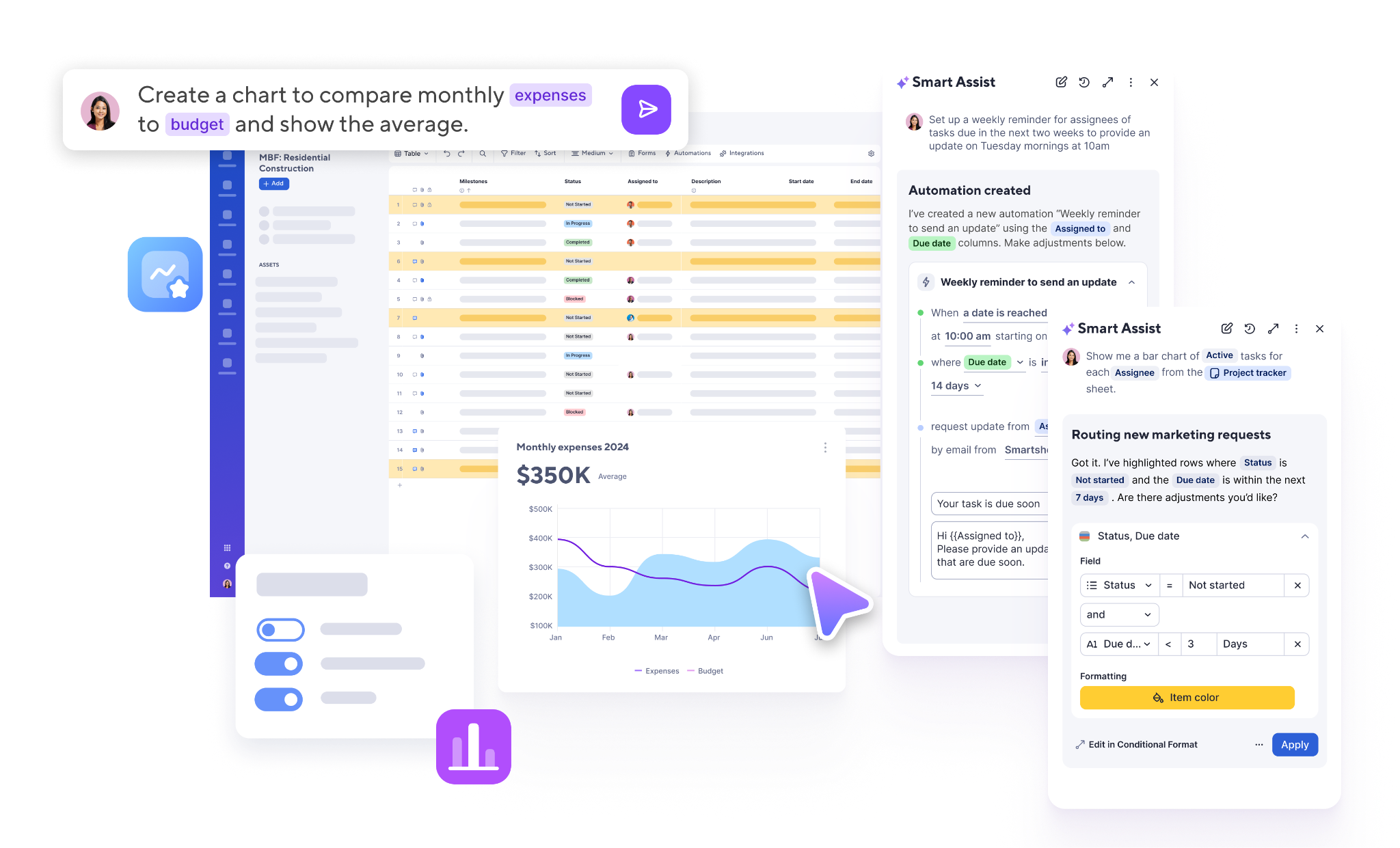
- The AI dashboard builder turns a one-line request into a steering committee dashboard, and dashboard filters give each audience its own view, so the PMO only needs to build the picture once.
- Smart Assist with portfolio context answers "what needs my attention today?" across every project at once. It is an orchestrator agent working on the same record as the team, under the same permissions: it finds risks, traces a blocker to its cause, proposes fixes, shows what it is changing, and asks before acting. Every change is logged and can be undone.
- Scheduled AI tasks let the PMO schedule AI to run recurring work on its own. Ask for something like, “Every Monday at 6am, summarize the overdue budget-related tasks in each project, include who owns each one, and email the summary to Finance,” and it will run on your chosen schedule.
Since the MCP Server launched in March, Smartsheet also works inside the AI assistants stakeholders already use: Claude, ChatGPT, Copilot, Gemini, and Amazon Quick. In 2027, MCP Apps will let you see your work right inside those tools: ask to change a date on a sheet, or get a readout of the live table or timeline, and see the change without leaving the conversation.
A portfolio that quickly adapts when strategy shifts
The problem: Every team runs projects a little differently. Templates get copied, then drift on their own, so portfolio data stops being comparable, and a methodology change takes weeks to reach every active project.

Available now:
- Advanced Portfolios is built for teams running work at scale. Every project stays tied to its template, so a single published change cascades down to every live project at once, including new columns, sheets, automations, reports, and dashboards. Portfolio reporting stays current as projects are added, and new work starts from the same standards at 50 projects or 5,000. Dynamic sharing and archiving take over upkeep, so the PMO governs the standard without becoming the bottleneck.
- The Creation Agent builds a workspace from a sentence: describe the project, answer two questions, and the plan, automations, and dashboard are in place within minutes. The Data Quality Agent detects inconsistencies, such as overdue milestones, duplicate tasks, or work assigned unevenly across a team.
These releases build on promises made at last year’s Engage: Table view parity, a million cells and 100,000 rows (in early access), stronger admin controls, and more.
Resources deployed against strategy, tested before you commit
The problem: Leadership commits to dates based on capacity assumptions the PMO cannot prove or disprove in the room. By the time resources are rebalanced, projects are already behind.

Available now:
- Scenario Planning lets the PMO model what-ifs without touching live project and resource plans, and compare options side by side. It can also run from Claude or Copilot, so a what-if goes from question to answer without leaving the tool a stakeholder already works in.
- Workload Tracking in Table view puts capacity and demand into a single portfolio view, so the PMO can see the load before committing.
Additional resource capabilities in core Smartsheet are coming in 2027, with Smart Assist and MCP coverage planned to extend to them.
Agentic PMO: AI-powered standardization and rapid value delivery
The problem: Leaders want a clear, defensible view of what the portfolio is working on and why, and they want it soon. The PMO inherits spreadsheets, email updates, and manual reporting instead, and a standard foundation takes months of effort to build and constant upkeep to maintain.

Available now:
- Agentic PMO is a standardized, fast-deploying, AI-powered Projects & Portfolios solution designed to accelerate execution and drive consistent value delivery. For PMOs that want a ready-made foundation, Agentic PMO brings portfolio visibility and governance together in one managed solution that goes live in 4 weeks.
- Specialized PMO agents check data quality, spot watermelon projects (green on the report, at risk underneath), and flag budget anomalies.
The PMO starts with a working structure instead of a blank workspace. Smartsheet manages the templates and keeps them current as new capabilities ship, and locked fields protect the data behind every roll-up. Expert-led configuration support gets the PMO to value sooner.
What to do next
The place to start is wherever upkeep costs the most time.
- If reporting eats the week, use Portfolio Summary to see a live portfolio view and create a steering committee dashboard with a single sentence.
- If strategy shifts mean manually updating projects one at a time, consider Advanced Portfolios. Talk to your account manager about how a single change being published can update every active project.
- If capacity commitments are made on assumptions you cannot test, try Scenario Planning from Smartsheet, Claude, or Copilot.
- If you need foundational portfolio control that deploys fast, consider Agentic PMO.
Want to see the rest of what’s new across Smartsheet? Read the full announcement. To see how Smartsheet supports portfolio governance, strategic alignment, and resource allocation, visit the project portfolio management page.
¹ Source: Third-party survey of 300 VP and C-suite executives at US organizations with 1,000+ employees, commissioned by Smartsheet, August–September 2026.
Frequently asked questions
Short answers to the questions we hear most from the people who run PMOs, portfolios, and the programs in between, as of November 2026.
Execution drift is the gap between what the organization planned and what the work is actually delivering. For a PMO, it shows up as projects that report progress while the portfolio slips from the strategy it was funded for, and nobody sees it until a result is missed.
No. Your systems of record stay where they are. Smartsheet is where the work that crosses them comes together, with an owner and an audit trail, so the PMO has one live record of the portfolio.
Portfolio Summary in Advanced Portfolios rolls the status, budget, and risk measures you define into one live view that feeds your dashboards. The AI dashboard builder creates a real-time view from a one-line request, and dashboard filters give each audience its own view of the same dashboard.
Create a template in Advanced Portfolios. Every new project starts from it, and when the template changes, a single publish pushes the change across every active project, including new columns, sheets, automations, reports, and dashboards.
In minutes. A new project starts from the same Advanced Portfolios template as every other, so it inherits the standard on day one. The Creation Agent builds the workspace from a sentence and a few answers, with the plan, automations, and dashboard standing in minutes.
Yes. Scenario Planning lets you model what-ifs without touching live project and resource plans, and compare options side by side. It also runs from Claude or Copilot. Workload Tracking in Table view shows capacity and demand in one view.
Agentic PMO is a managed Projects & Portfolios solution for PMOs that want a ready-made foundation for portfolio visibility and governance. Smartsheet maintains the templates and keeps them current, and specialized agents check data quality, spot at-risk projects, and flag inconsistencies.
Yes. Through the MCP Server, those tools read and act on your portfolio with the same permissions you have in Smartsheet, and every action is logged.
For work in Smartsheet, AI works within the requesting person's permissions, and every change is logged. Smart Assist shows what it's changing and asks before it acts, and admins decide which AI capabilities and connectors are allowed.