Article
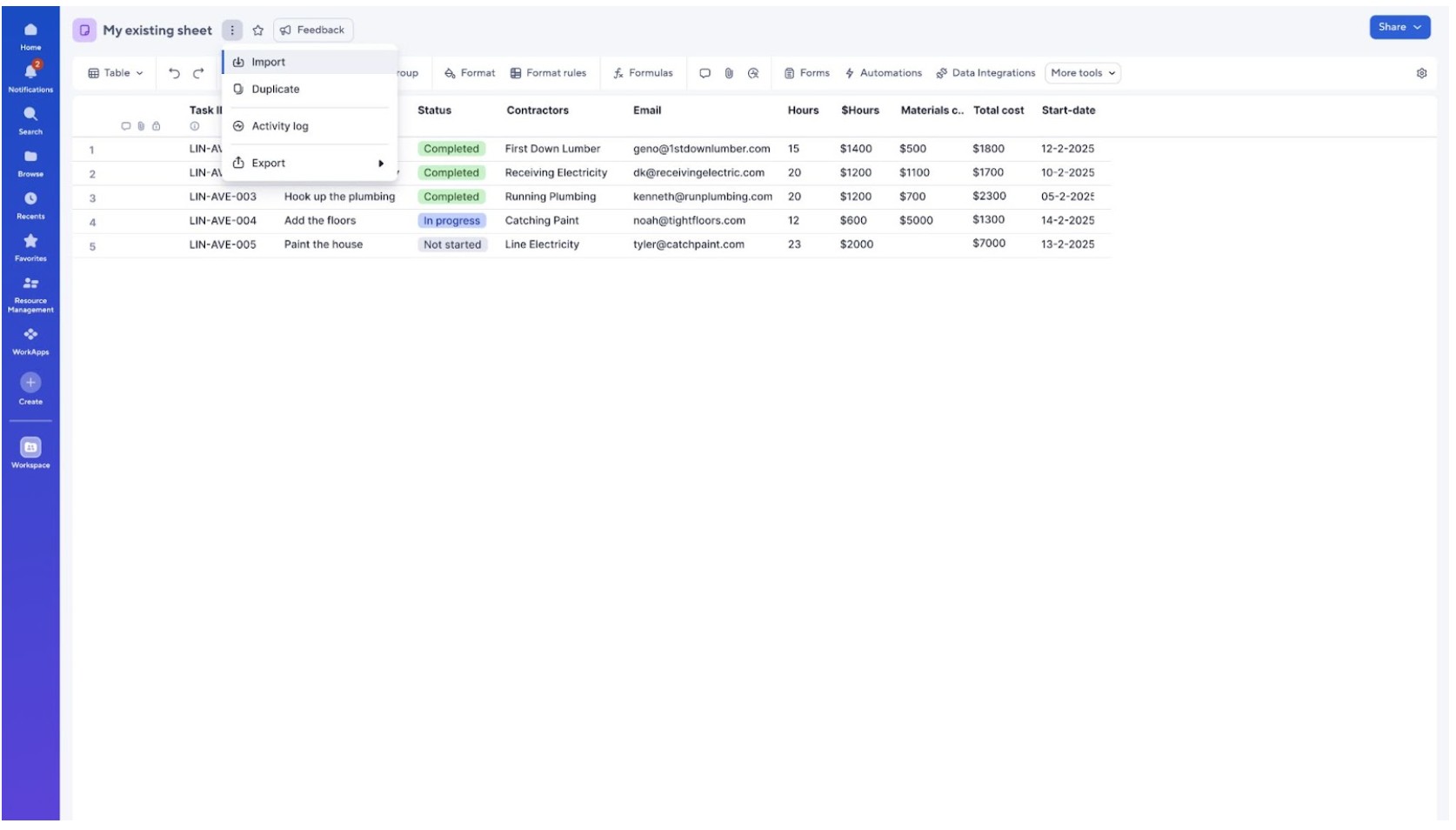
Import data directly into existing sheets in table view

February 16, 2026
Getting your data into Smartsheet just got easier. You can now import CSV, XLS, and XLSX files directly into an existing sheet in table view — no more tedious copy and pasting. Open the kebab menu next to your sheet name, select your file (up to 50MB, 20,000 rows, or 400 columns), set your column types, and you're ready to go. Whether you're kicking off a new project or building out a solution, your data is in Smartsheet and ready to work within moments. Learn More.
Environment Availability: Commercial US, Commercial EU, Commercial AU
Plan Availability: All plans
Subscription Model Availability: Legacy Collaborator Model and User Subscription Model