Article
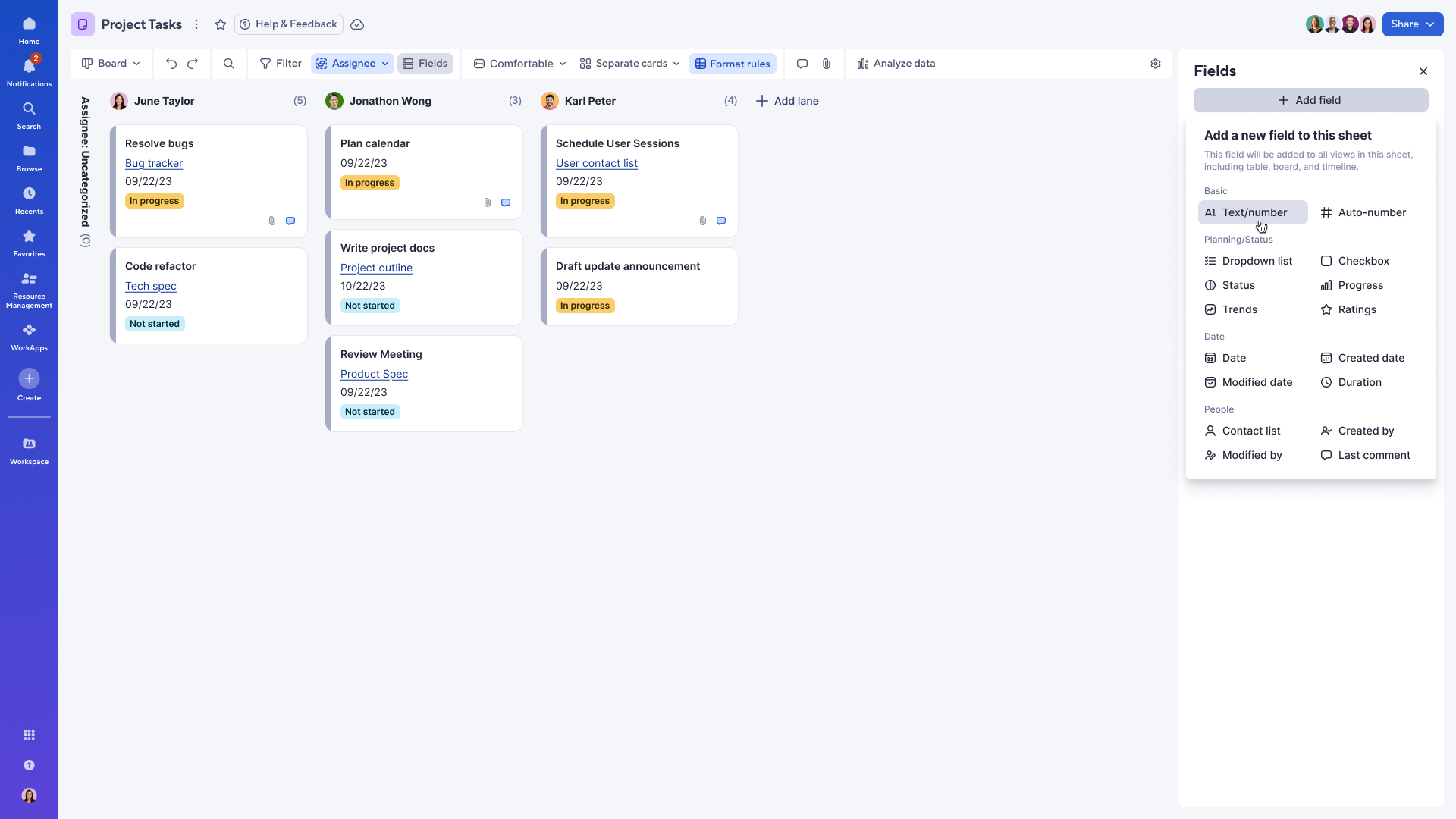
Create and manage fields in board view, now generally available!

January 23, 2026
Users can now create, update, and delete fields directly from board view. This goes beyond what’s currently available in card view, giving board view users greater flexibility and control over their sheets, without needing to switch back to table or grid view. To get started, click the “Fields” icon on the toolbar in board view. Learn More
Environments availability: Commercial US, Commercial EU, Commercial AU
Plan availability: Pro, Business, Enterprise, Advanced Work Management
Subscription Model Availability: legacy user model, user model